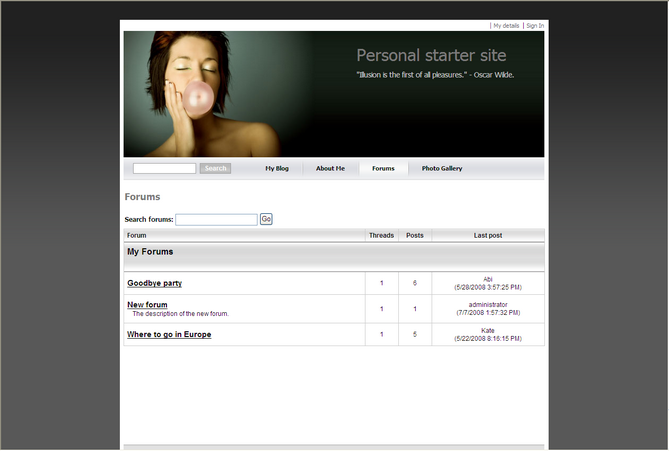
In this chapter you will learn how to create a new forum, create new thread and post a message.
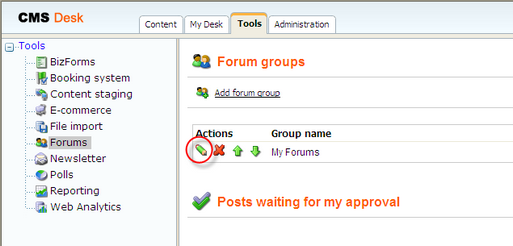
1. Go to CMS Desk -> Tools -> Forums and click Edit next to the My Forums group.
2. In the Forum group properties, click Add forum  .
.
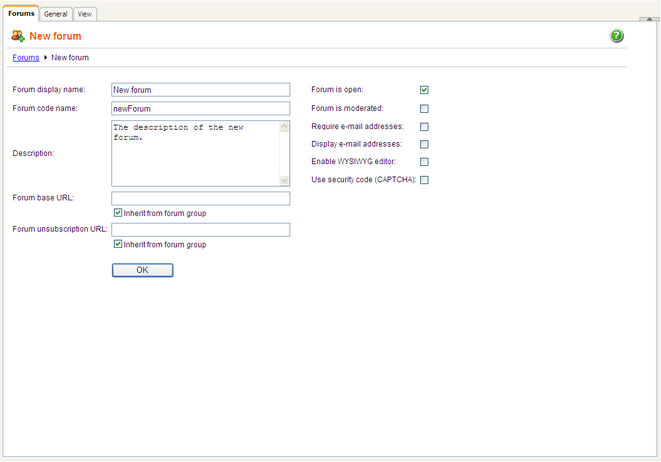
3. Add the following information for the new forum:
| • | Forum display name: New forum |
| • | Forum code name: newForum |
| • | Description: The description of the new forum. |
Then click OK.
4. The forum has been added as you can see in the following screenshot.