The comments can be moderated in two ways:
| 1. | In the My Desk -> My blogs section Here you can see all comments for all your blogs and edit, approve or delete them. |
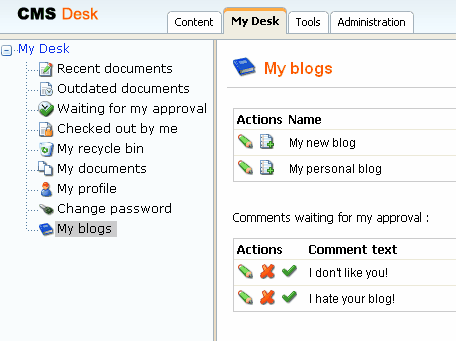
| 2. | On the blog page When you're signed in and are entitled to manage the comments for the given blog, you are displayed with Delete and Approve buttons.  |
For every blog, you can specify how long the comments can be added to the posts. You can choose Always, or you can disable the comments or you can choose some time period from post publishing when the comments can be added to a new post.
If you get too many comments for some particular post, you can disable comments for the given post by setting the Allow comments value to no (uncheck the box) in the post editing form.