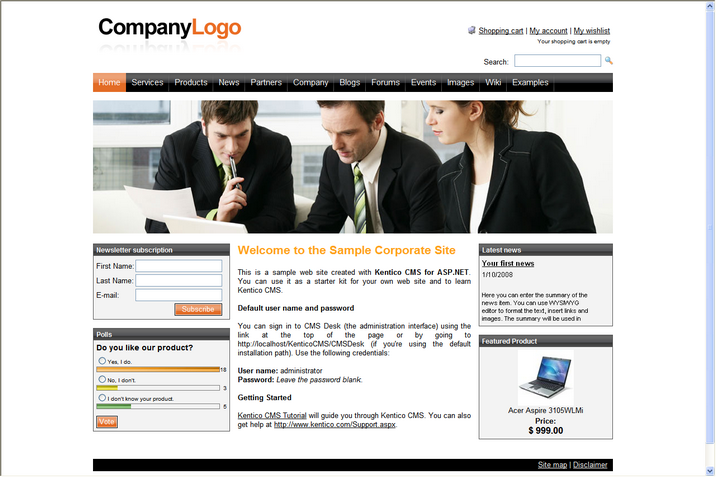
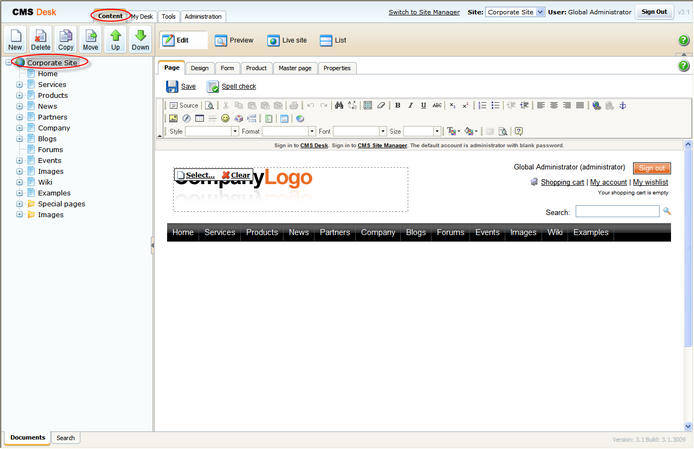
1. Go to CMS Desk -> Content -> Corporate Site.
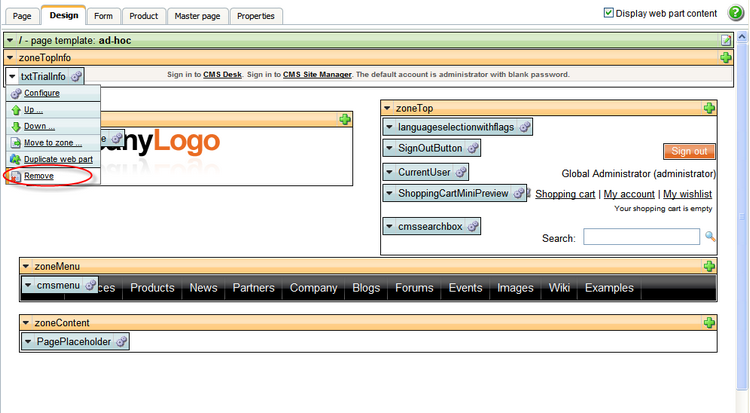
2. Switch to the Design tab and right-clicked the txtTrialInfo webpart at the top-left and choose Remove.
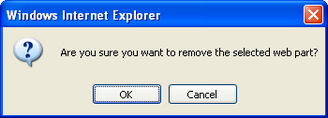
3. Click Ok to remove the bar from your website.
That's how you remove the signing-in bar from your web site.