Images used in galleries are imported the same way as any other files.
Copy your files into the CMSImportFiles directory found under your website's root folder. Go to CMSDesk -> Tools -> File import.
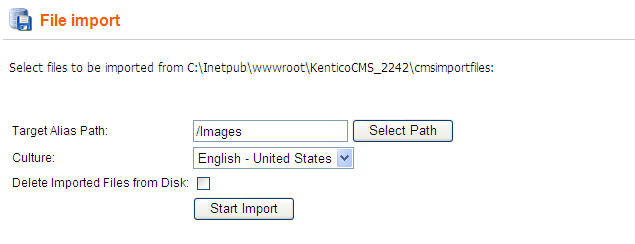
On the page, select the content tree alias path that you want to save the files to. Also set the default culture of the imported files.
Checking the Delete Imported Files from Disk check-box causes that all files inside the CMSImportFiles will be deleted after the import is finished.
Finally, click the Start import button to import the files to the selected location.