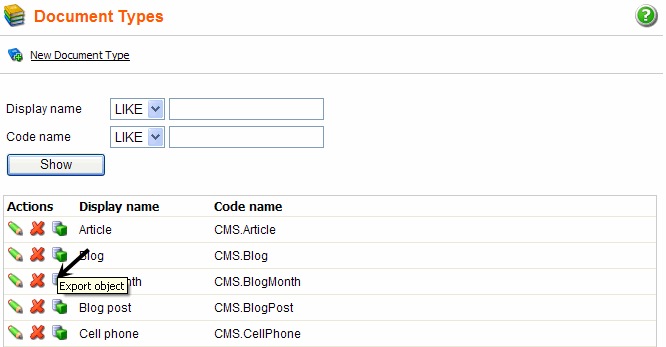
Objects can be exported separately from the rest of the website. This is useful when you want to quickly export only one or few objects apart from the rest of all other objects. Single object export can be done in Site manager -> Development -> Document types. You can export an object by clicking the Export object icon next to it.
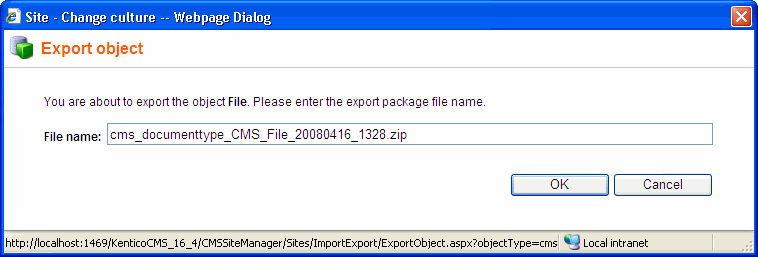
The following window will appear. Enter the name of the export file (default name will be pre-entered) and click OK.
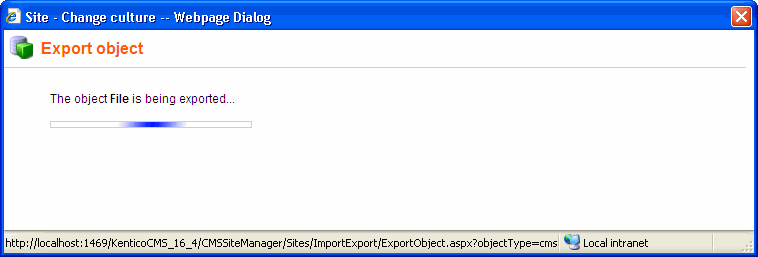
Now wait while the object is being exported.
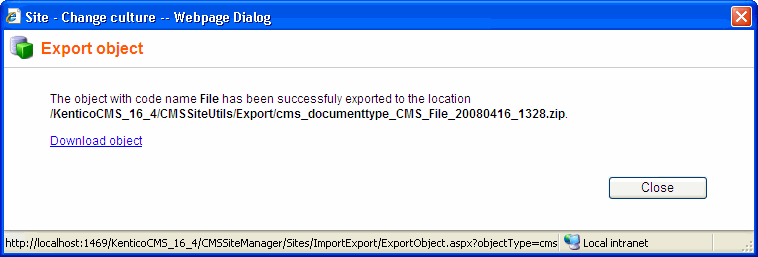
After the exporting is successfully finished, the following message with a relative path to the exported file will be displayed. The Download object link below is used for storing the file into a different location. Click it to open a typical download dialog of your web browser.
Finally, close the window by clicking the Close button.