1. Go to CMS Desk -> Content -> Corporate Site.
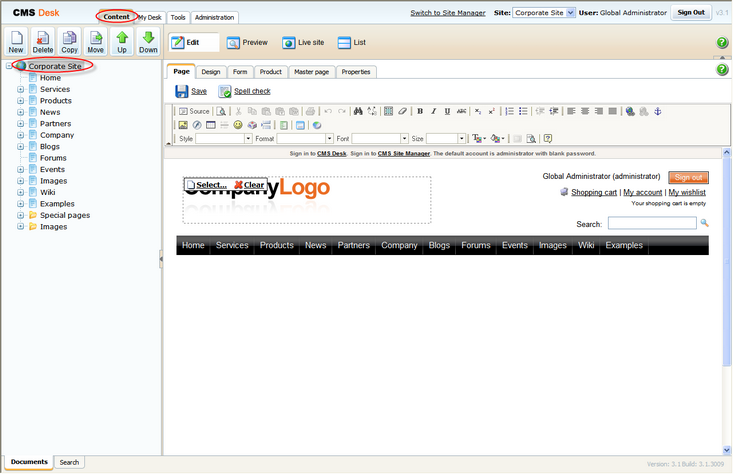
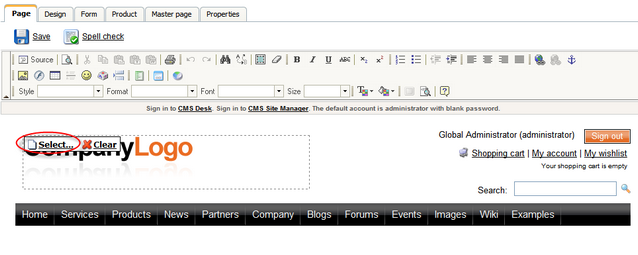
2. Click Select ... above the logo.
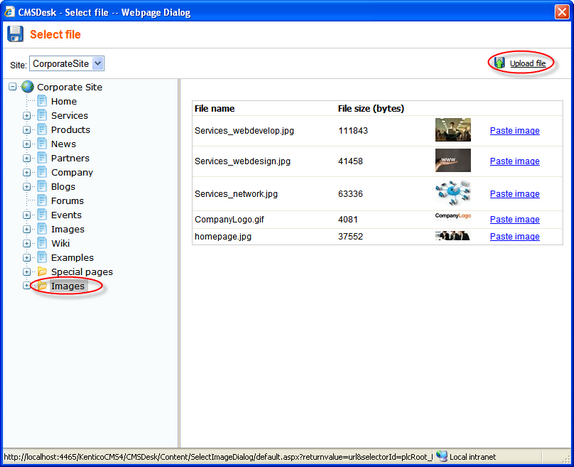
3. In the web page dialog, select Images in the content tree and click the Upload file button at the top-right.
4. In the new dialog, click Browse.
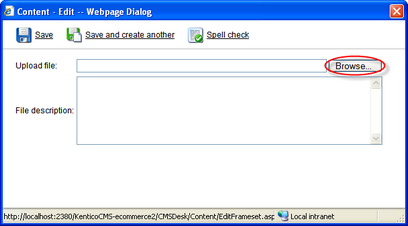
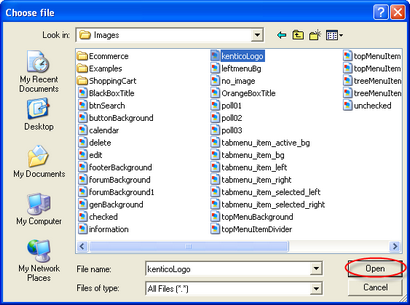
5. Find an image you want to upload and click Open.
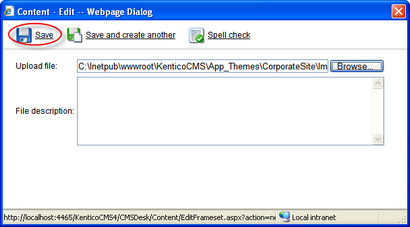
6. Click Save. Your new logo image is now ready to be posted on your web site.
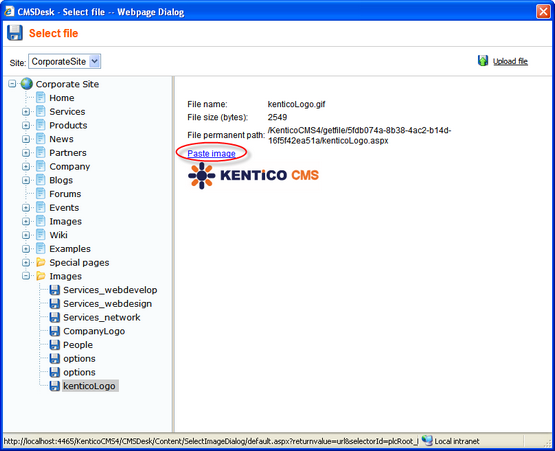
7. Click Paste image right above the picture.
8. Now click Save.
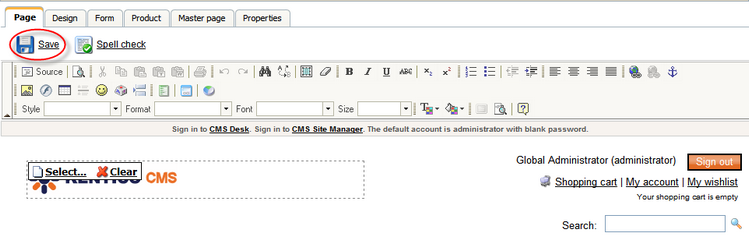
You've just publish a new logo on your web site.