In order to display the BizForm on the web site, you need to use one of the following options:
- place the BizForm into WYWIWYG editor content using the Insert BizForm button
- place the BizForm into any editable text using the macro in format %%control:BizFormControl?BizFormName%% where BizFormName is the code name of the form
- place the BizForm web part and set its Form name property
We will use the first option now. Go to CMS Desk -> Content and edit the home page. Click Insert BizForm button in the toolbar. The Insert BizForm dialog opens. Click Event registration to insert the form into the text:
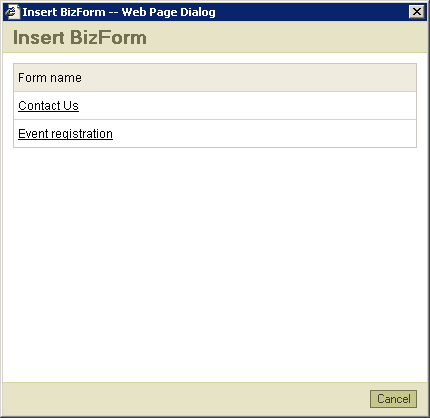
The following code will be pasted to the region:
%%control:BizFormControl?EventRegistration%%
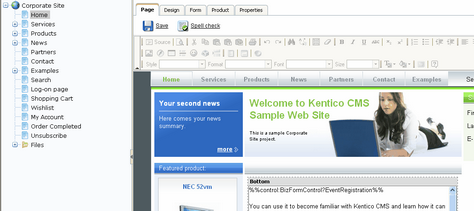
Click Save and click Live site. You will see the following form on the home page:
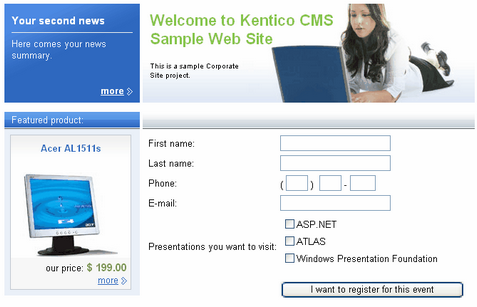
Enter some values and click the submit button to save it.