If you're not satisfied with the standard table layout of the form, the BizForms module allows you to define custom form layout. Go to CMS Desk -> Tools -> BizForms. Check the User custom form layout box and click Generate table layout to quickly generate the fields into the form. Alternatively, you can click the Insert label/input/validation label buttons on the right.
You can for example add the text "Please check the presentations of your interest:" at the top of the multiple choice fields:
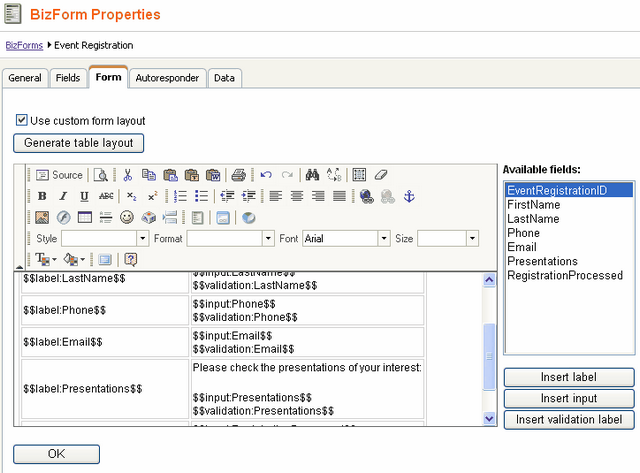
Click OK to save the form.
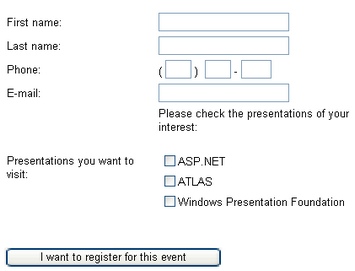
Now the form looks like this: